
Help Shopify shoppers find products by body area
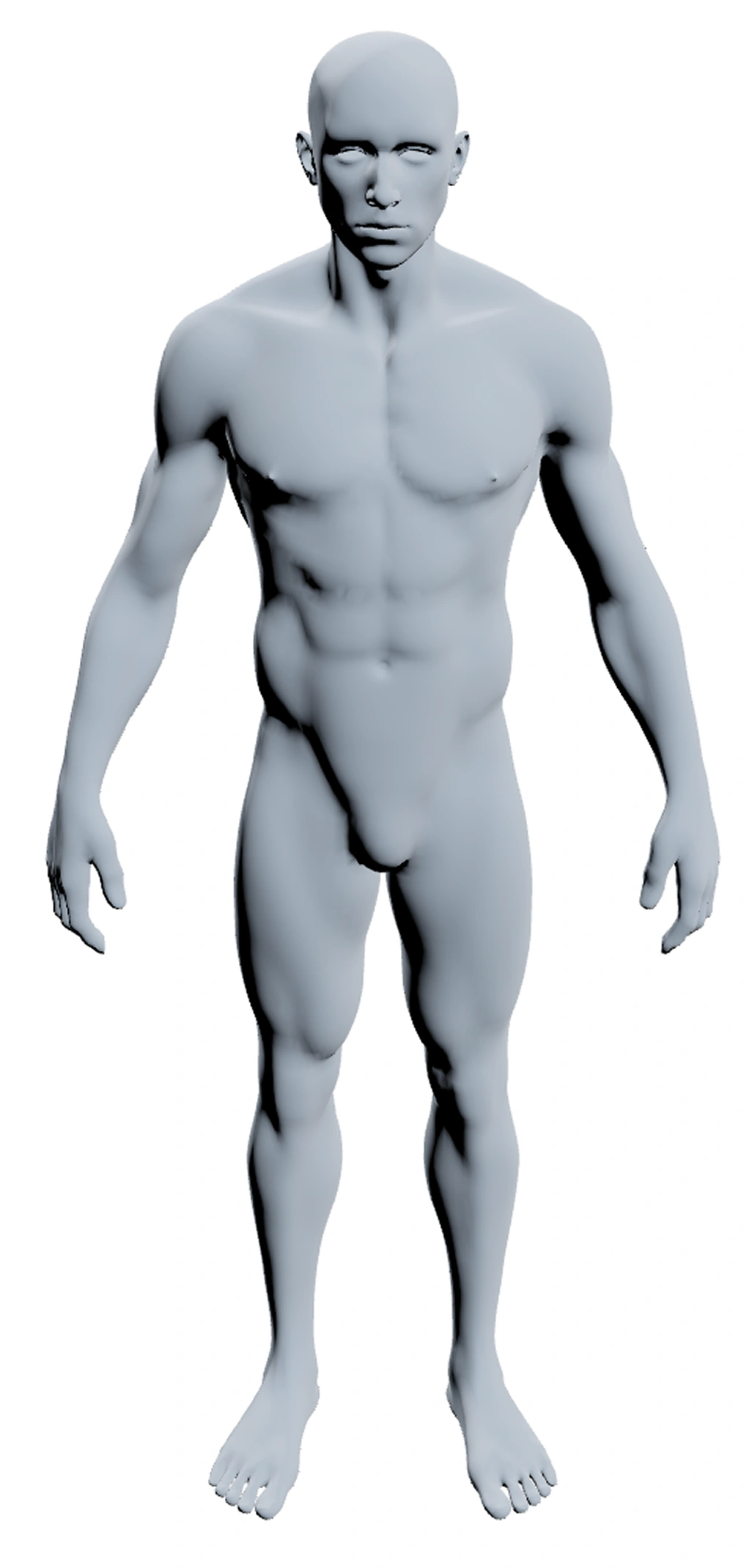
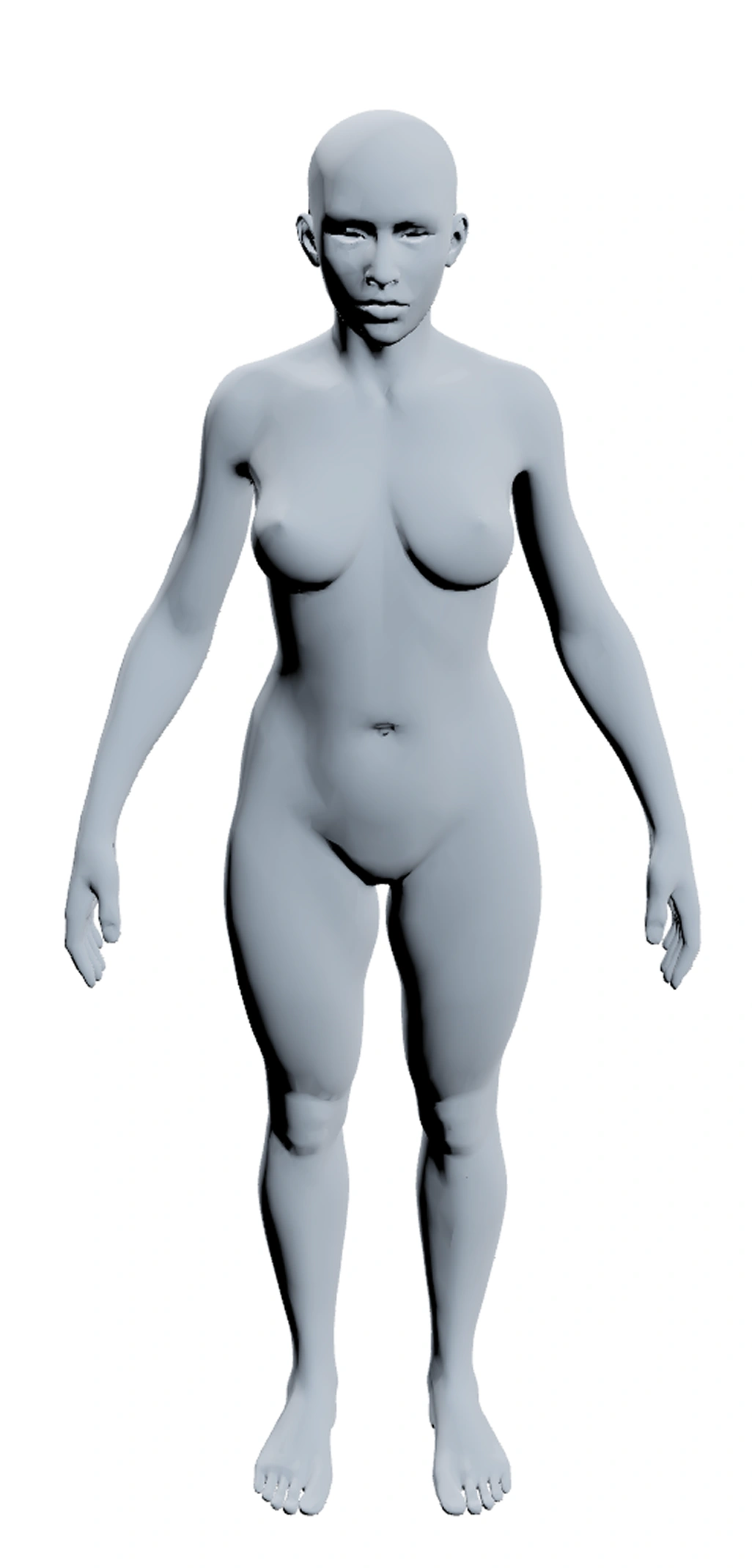
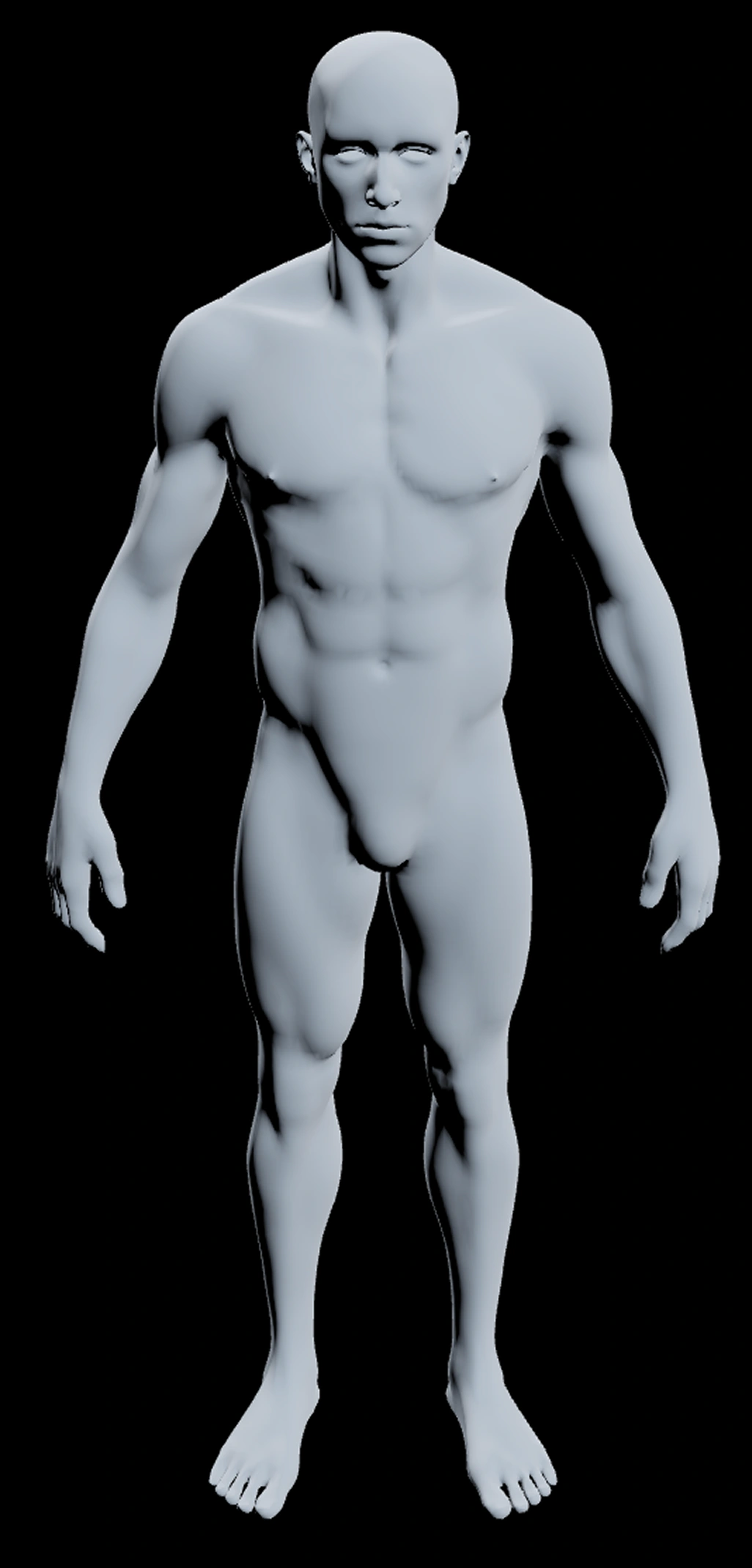
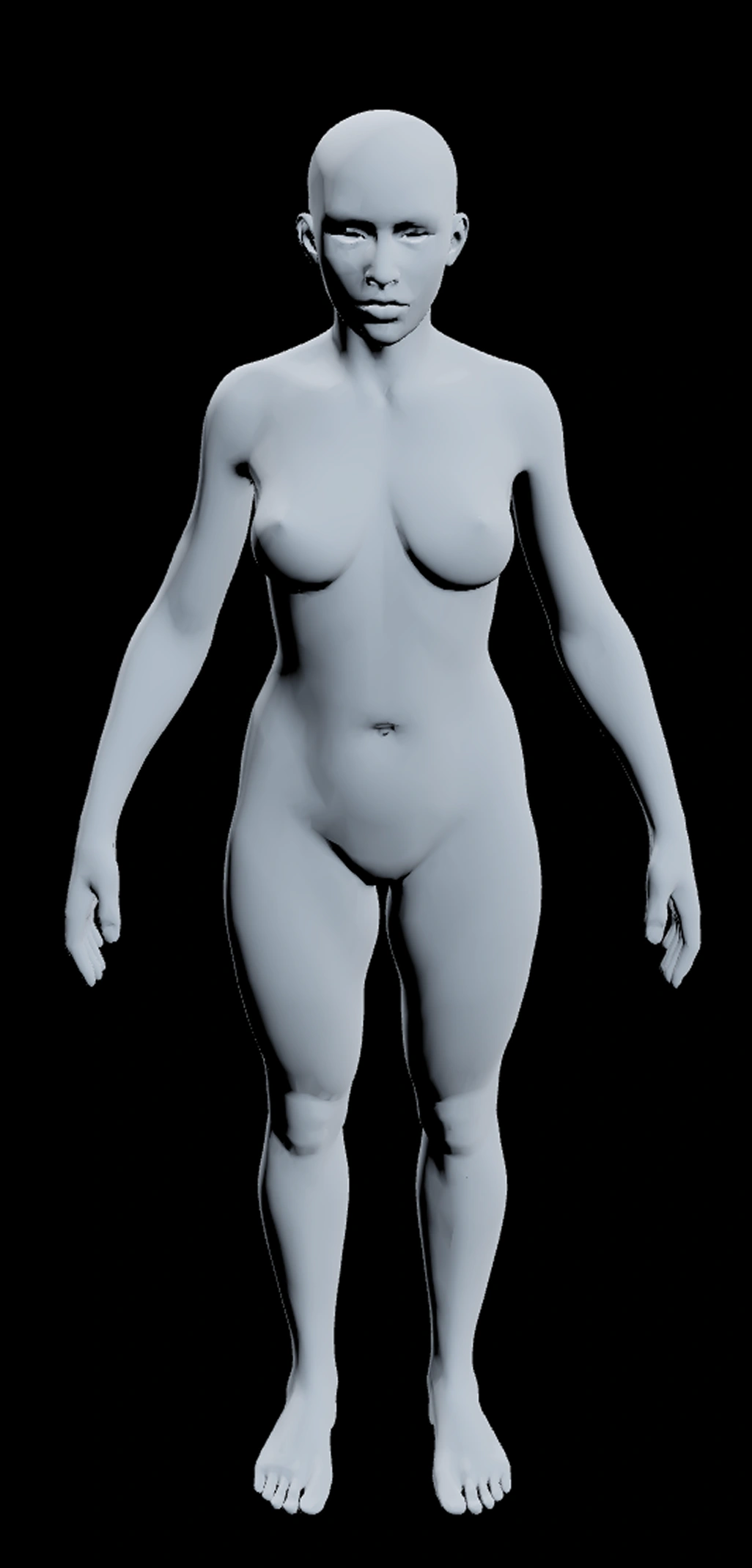
Sell braces, compression, recovery or ergonomic products? Let shoppers select a knee, wrist or back and open the collection you choose. Keep your existing menu and filters.
See the Shopify storefront demo
Optional development-store example. Sample products are demonstration items, not available to buy.
Things you can check yourself
Every claim below is one click from being verified. We would rather you checked than took our word for it.
Shopify plans
Free: $0
Map 23 grouped body areas to your collections. Includes the PersoScan watermark.
Pro: $9/month or $90/year
Remove the watermark and map 158 detailed zones when your catalog needs finer distinctions.
Prices in USD. Paid plans bill through Shopify. Start Free; ask us for collection-mapping help.
Install Free from Shopify App StoreWhat a sore knee looks like on your store
Same shopper, same catalogue, two routes to the same product.
Opens Supports. Nothing obviously for knees.
Tries Compression. Still not sure.
Types "knee" in the search box and hopes.
Taps the knee on the model.
The knee collection opens.
That is the whole flow.
How it works
Three steps, and only one of them takes real thought.
Where this earns its place
Stores where the shopper knows what hurts before they know what you call it.
Enterprise & White-Label Licensing
For agencies and brands running more than one storefront.
Runs On Whatever You Already Have
On Shopify it is an app and a theme block. Everywhere else it is one iframe and one event listener.
Shopify
RecommendedApp Store install path
WooCommerce
Custom storefront setup
BigCommerce
Custom storefront setup
Wix
Custom storefront setup
Squarespace
Custom storefront setup
Custom stores
Standalone integration
Frequently asked questions
How do I install PersoScan on Shopify?
Install it from the Shopify App Store, then drop the PersoScan block into any theme section. Shopify handles billing and permissions, so there is no license key to paste and no theme code to edit. Mapping body zones to your collections happens in the app admin afterwards.
Open the Shopify App Store listingCan I see a live Shopify demo before installing?
Yes. Our interactive demo shows body-area selection and example collections without a password. A separate development store shows the Shopify app block with demonstration products.
Try body-area collection navigationStorefront password: persoscan
What if my store is not on Shopify?
The widget is an iframe with a postMessage API, so it runs on WooCommerce, BigCommerce, Magento, PrestaShop, Wix, Squarespace, OpenCart, Cafe24, EC-CUBE and hand-rolled storefronts. You embed one iframe, listen for the zone-selected event, and decide where to send the visitor. Custom integration effort depends on your storefront.
Platform integration guidesWhat types of stores is PersoScan best suited for?
Catalogues organised around body areas, symptoms or recovery zones. Orthopedic supports and braces, compression wear, physiotherapy and recovery tools, ergonomic equipment, massage devices, and targeted skincare. Test it alongside your menu to see whether shoppers use it.
When is PersoScan the wrong tool?
If your catalogue has no relationship to the body, skip it. It also adds little when you sell three products, because a menu with three items is already fast. It works best above roughly twenty products spread across several body areas.
Is PersoScan a medical device?
No. It is a navigation component. It does not diagnose, treat, triage or give medical advice, and nothing in the product claims otherwise.
Does PersoScan collect customer health data?
No. A zone click is treated as a navigation signal, the same category of data as a click on a category link. We do not build health profiles, we do not ask for symptoms, and we do not attach zone clicks to a named person.
How PersoScan handles dataWhat does PersoScan cost?
Shopify Free costs USD 0 and includes 23 grouped zones with a watermark. Shopify Pro costs USD 9/month or USD 90/year, removes the watermark and adds 158 detailed zones. Separate custom website licenses: Starter is EUR 9.99 a month for one domain and 23 grouped zones. Professional is EUR 24.99 for three domains and the full 158-zone anatomy. Team is EUR 59.99 for ten domains with central license management. Shopify installs are billed through Shopify instead.
See current pricingMore of them, including the ones about licensing and compliance, on the full FAQ page.
Guides worth reading first
The setup steps, the mapping decisions, and the comparisons we get asked about on every call.